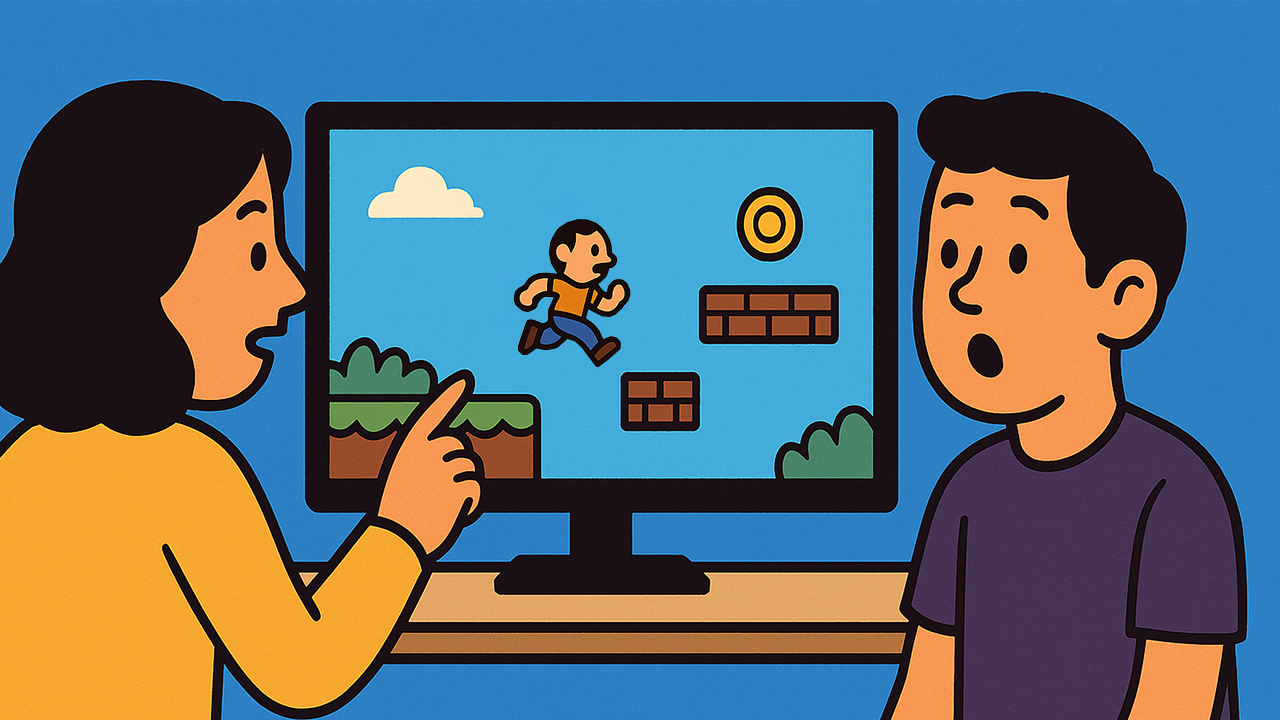
The Art of Watching Your Own Game:
When you’re knee-deep in code, design documents, and daily standups, it’s easy to assume you know exactly how your game plays. After all, you built it. But there’s a simple truth every experienced developer learns:
Your brain filters out flaws that your eyes would catch.
That’s why recording and rewatching gameplay footage isn’t just a nice-to-have. It’s a transformative tool for refining how your game feels in the hands of a real player.
Why Game Feel Is Hard to See While You’re Playing
When you’re testing live in the editor, you’re multitasking:
- Monitoring debug logs
- Checking performance metrics
- Thinking about your next task
Your attention is split, so you don’t fully experience the game the way a player does. Worse, your familiarity makes you subconsciously compensate for issues. A clunky animation, an awkward camera angle, an unclear UI prompt.
But when you step back and watch recorded gameplay, you can focus purely on the visceral experience. The moment-to-moment flow, responsiveness, and clarity.
What You Notice When You Watch Instead of Play
Here are just a few of the insights you’ll catch in a video recording that you might miss otherwise:
- Hesitation: Moments where the player pauses because they’re confused about what to do next.
- Animation Timing: Attacks, jumps, and UI transitions that feel sluggish or abrupt.
- Feedback Gaps: Actions that lack satisfying visual or audio feedback.
- Pacing Issues: Sections that drag or overwhelm the player with too much or too little happening at once.
- Control Inconsistencies: Instances where inputs don’t map intuitively to outcomes.
These are all core elements of game feel, and they are easier to spot in third-person perspective, like a sports coach reviewing match footage.
How to Integrate Video Review into Your Workflow
You don’t need to overhaul your entire process to get the benefits. Here are a few lightweight practices:
- Record Regular Playtests: Especially when introducing new mechanics or levels.
- Schedule Weekly Review Sessions: Watch clips as a team and annotate them.
- Create Highlight Reels: Save examples of both great and problematic moments for reference.
- Compare Builds Over Time: See whether changes improve smoothness and player understanding.
When you treat video review as part of development, not just quality assurance, you create a feedback loop that systematically improves your game’s polish.
Final Thoughts
Your players don’t see your build logs. They don’t know how hard you worked. They only feel what’s on the screen and under their thumbs.
By stepping back and watching your own game the way they do, you can close the gap between what you think you made and what you actually ship.